 Open Time
Your day has closed time. The rest is yours.
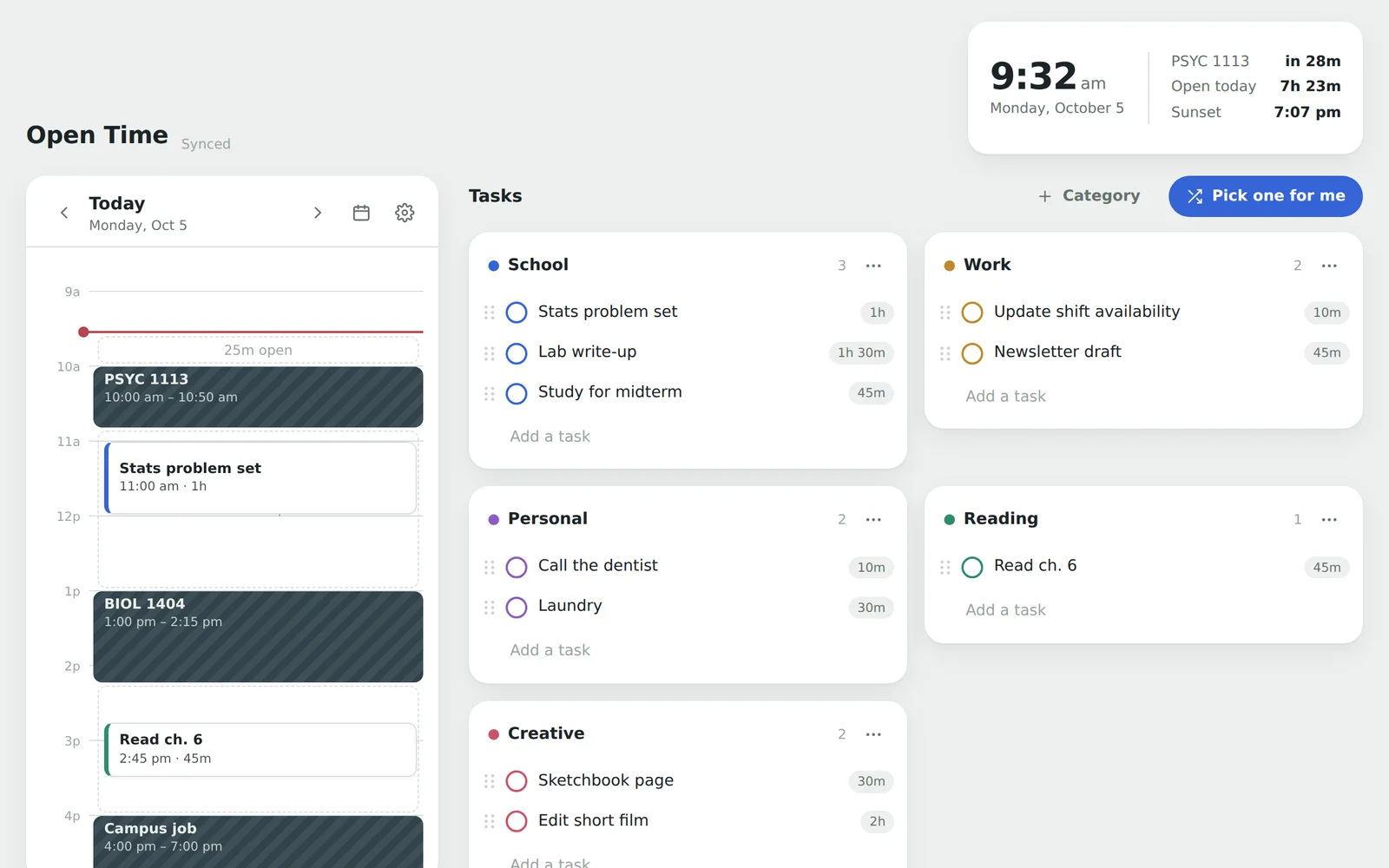
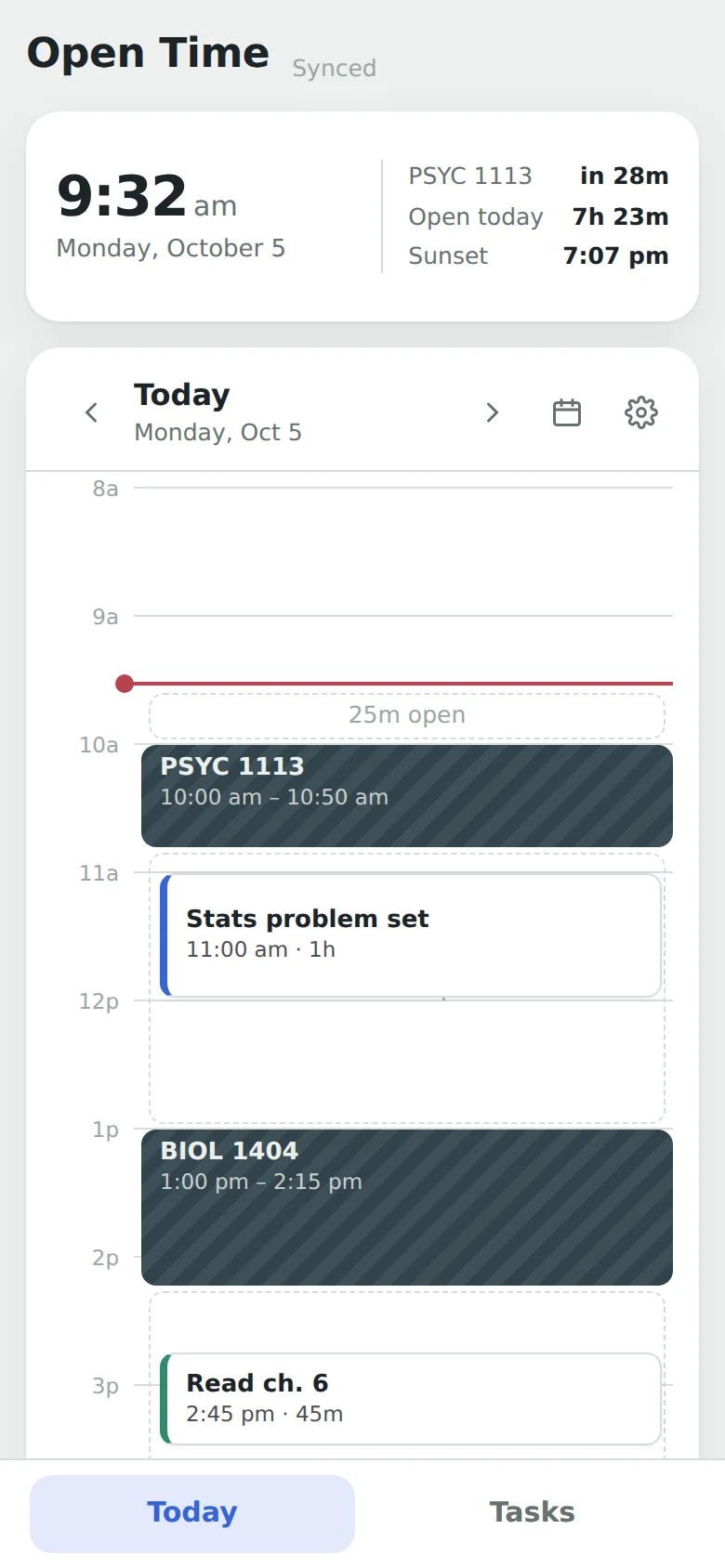
Open Time maps your classes, meetings and shifts, shows you the open hours left in your day, and helps you fill them with what matters.
How it works
Three steps, and the day makes sense.
Most task apps give you a list with no sense of time, or a calendar that only feels worth opening on a packed day. Open Time puts both in one calm view.
Map your closed time
Add classes, meetings and shifts once. They repeat every week, so your schedule is there every morning.
Rank what matters
Sort tasks into categories and drag the important ones to the top. Give each one a time estimate if you like.
Work in the open time
Drop a task into an open gap, start the timer, and focus. Can't decide? Let it pick one from the top of your lists.
What it won't do
No streaks. No guilt. Done means gone.
Install it
Put it on your home screen.
Open Time installs straight from your browser, no app store needed. You get an icon, a full-screen app, and it works offline.
iPhone & iPad
In Safari
- Open opentime.work/app
- Tap the Share button
- Scroll down and tap Add to Home Screen, then Add
Using Chrome on iPhone? Tap Share in the address bar, then Add to Home Screen.
Android
In Chrome
- Open opentime.work/app
- Tap the menu at the top right
- Tap Install app (or Add to Home screen), then Install
Chrome may also offer an Install banner at the bottom of the screen.
Mac & PC
In Chrome, Edge or Safari
- Open opentime.work/app
- Chrome or Edge: click the install icon at the right end of the address bar, then Install
- Safari on Mac: choose File → Add to Dock
Once it's installed, right-click its icon to keep it in your Dock or taskbar.
Signed in on one device? Sign in with the same email on the others and everything syncs.
Privacy
Your schedule is yours.
Try it without an account and nothing leaves your device. Create one to sync across your devices, and only you can see what's in it.
- No ads, no tracking, no analytics
- Only your email is needed for an account
- Export your data any time
- Delete your account and everything in it, instantly
- Read the privacy policy